
Technology toolkit for working remotely
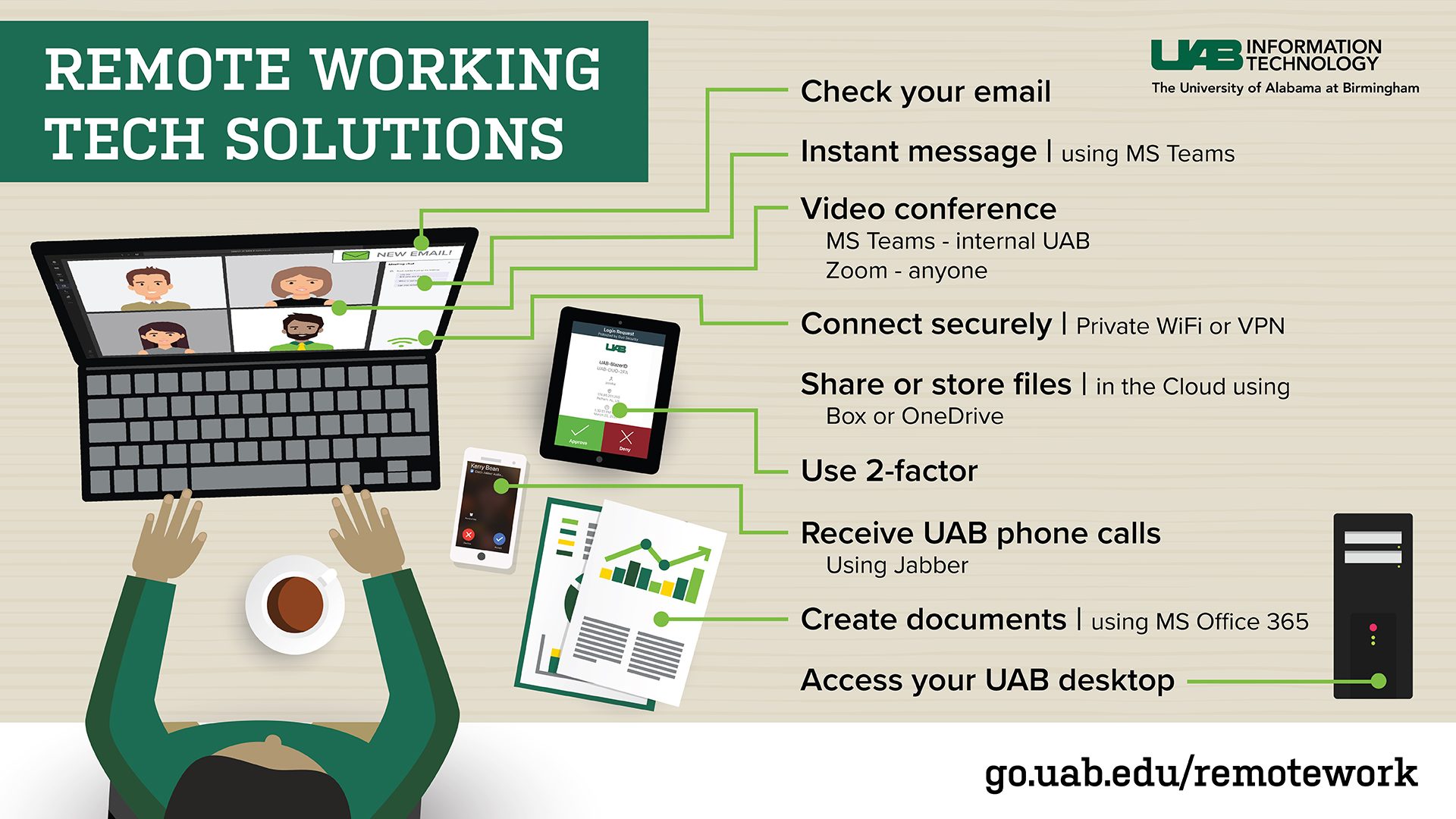
From time to time, you may need a remote office to help you get work done for UAB. UAB IT offers tools to help empower success, no matter where you need to work. Learn the basics of these tools with these video tutorials:
How-To Tutorials
-
How to Log In
-
How to Access Word
-
How to Access PowerPoint
-
How to Access OneDrive
-
How to Access Outlook
-
How to Access Excel
-
How to Access OneNote
-
How to Submit a Help Ticket with AskIT
-
How to Get Phone Calls While Working Remotely
-
How to Add a Second Device with Duo 2-Factor Authentication
-
How to Change Your Background in a Virtual Meeting



Other Media Resources

Podcast
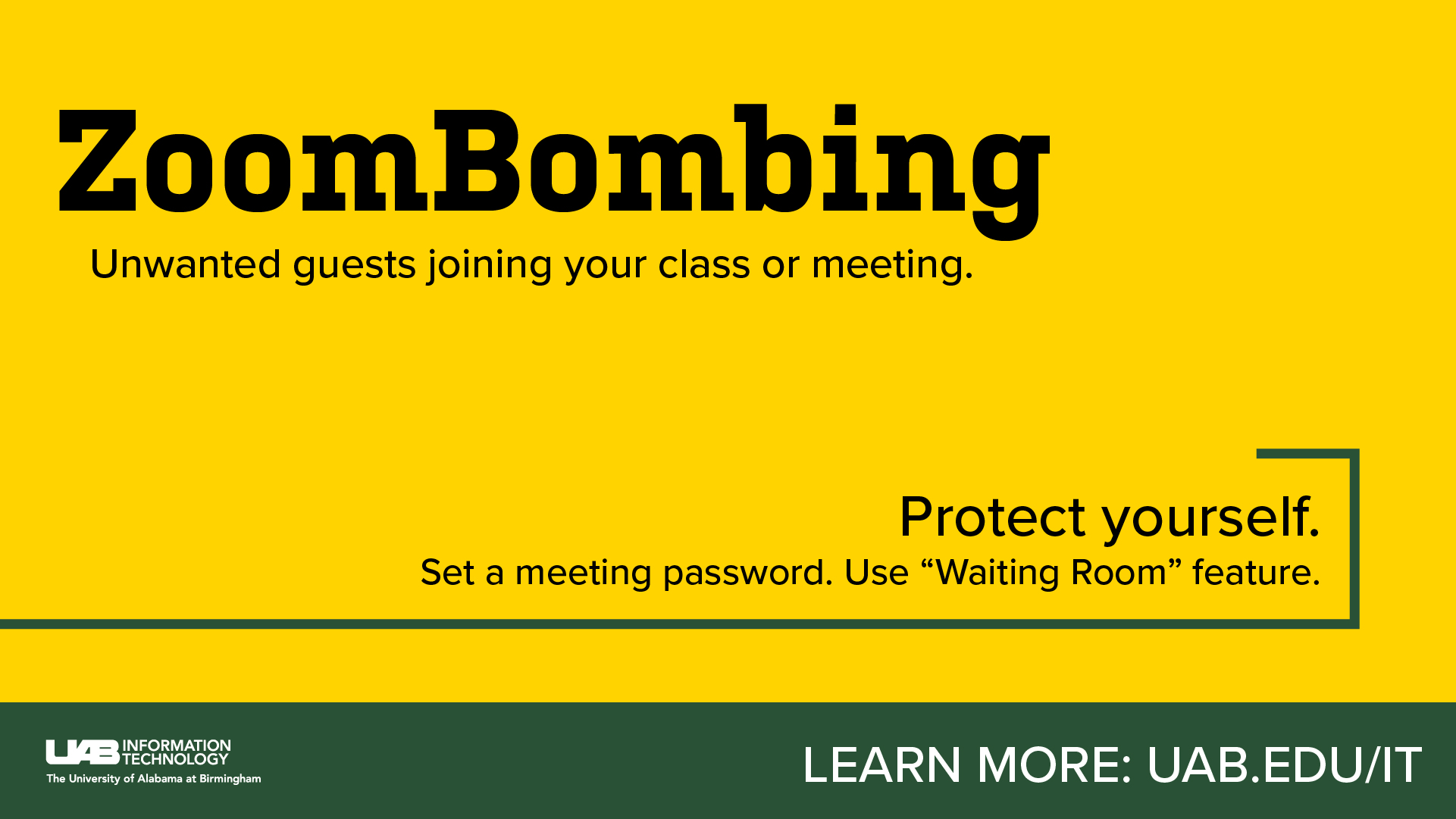
Protect yourself from "ZoomBombing."
Additional Resources
UAB Health System users
The solutions above are intended for campus users. Please contact the HSIS Help Desk at 205-934-8888 or email