Adobe Sign
Adobe Sign is the e-signature solution that helps UAB manage and automate signature workflows. It simplifies the way agreements are sent, signed, and processed, eliminating the hassle of manual paperwork and ensuring smooth digital transactions.
Documents can be signed without an account. To send a document to another person for electronic signing, all faculty, staff and student workers can request an account. Log in with your
Make the most of Adobe Sign
Create a workflow
Signature workflows in Adobe Sign are predefined processes that simplify the way documents are sent, signed, and managed.
Track a document
Senders can monitor the progress of their document on the Manage page, where they can view whether it is awaiting signature, has been signed, or has been declined.
Create a web form
A signable web form can be created to embed on your website (or sent as a web link), allowing multiple people to easily access your form or document and create an agreement.
Create a webformTutorials

Maximize Efficiency With Adobe Sign | Tips And Tricks
In today's fast-paced world, efficiency is paramount. Adobe Sign helps you save time and resources by streamlining your document workflows. Discover how you can optimize your experience with Adobe Sign at UAB with these expert tips and tricks.
Watch now
Adobe Sign at UAB: Streamlining Digital Signatures and Approvals
Managing agreements doesn't have to be complicated. In this video, we introduce Adobe Sign, UAB's official e-signature solution designed to streamline and automate digital document workflows across campus.
Watch now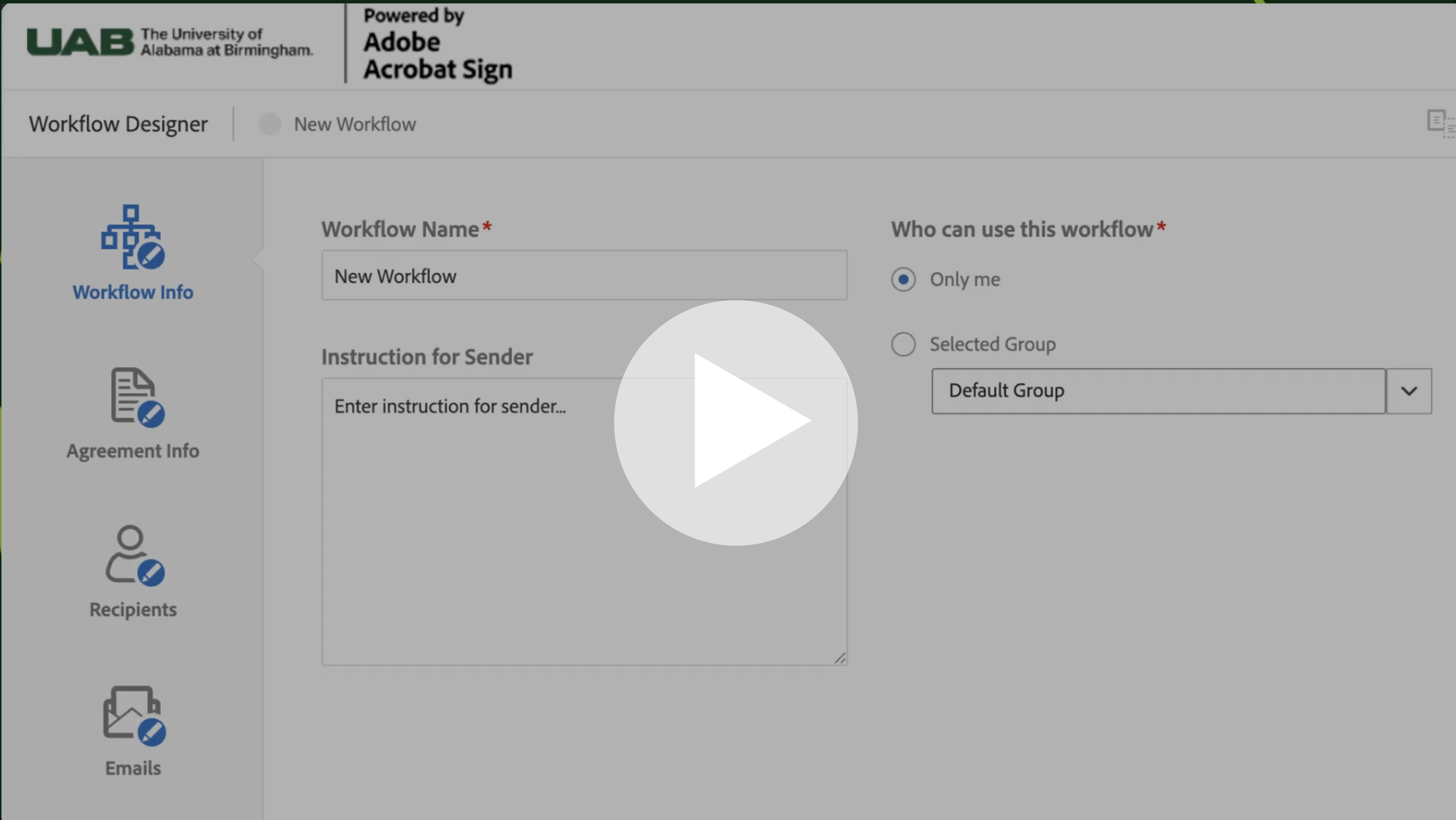
Adobe Sign Workflow Basics: Automating Agreement Processes
In this video, we introduce Adobe Sign Workflow Basics and how workflows streamline agreement management through automation. Learn how predefined and customizable workflows reduce manual errors, improve efficiency, and support secure, compliant document processes.
Watch nowFAQs
An electronic signature, or e-signature, is a legal way to get consent or approval on electronic documents or forms. One of the most relied upon definitions of an electronic signature is "an electronic sound, symbol, or process attached to or logically associated with a record, adopted by a person with the intent to sign the record." Electronic signatures can be used to replace handwritten signatures in virtually every personal or business process.
Adobe Sign services are available for faculty and staff. Only users creating (or originating) documents that need electronic signatures will need access. Signers do not require access to this system to sign documents. To request an account, you must submit a request ticket to ServiceNow.
Adobe Sign electronic signatures are sent directly to the email address of the signer you specify at the time the agreement is configured. There is an audit trail that details the events related to the signing of the document. As the sender, you can log into your Adobe account and view the record of signers on the Manage tab.
Note: Senders have the option to set a password to protect the document before it can be viewed. This password is embedded into the document and would be communicated by the sender to the signer separately.
No. The person signing a document does not need an Adobe account. Your signer only needs an email address or fax number for Adobe to send the document to. The signing experience requires no authentication to the Adobe system, though you can require and supply a password for signing. The signer can simply sign the document using a web browser on any computer or mobile device.
When sending a document for multiple signatures, enter the email addresses of the signers into the To: field in the order you want people to sign. This applies if you need to add your own signature as well. Simply add your email address in the proper position in the sequence.
Yes. Electronic signatures are legally valid and enforceable in nearly every industrialized country around the world, and even less-developed countries are beginning to enact e-signature laws.
Yes. Adobe takes the security of your digital signing experiences very seriously. Adobe Sign is certified compliant with the world's most rigorous security standards, such as ISO 27001, SOC 2 Type 2, and PCI DSS used in the payment card industry.
High risk data must not be sent through email. Sensitive data generally should not be sent through email either. Because a completed document is typically sent via email to all signers, you must use the mask field data option to protect form fields that may contain high risk or sensitive data.