

Blaze and the Factured Jewel
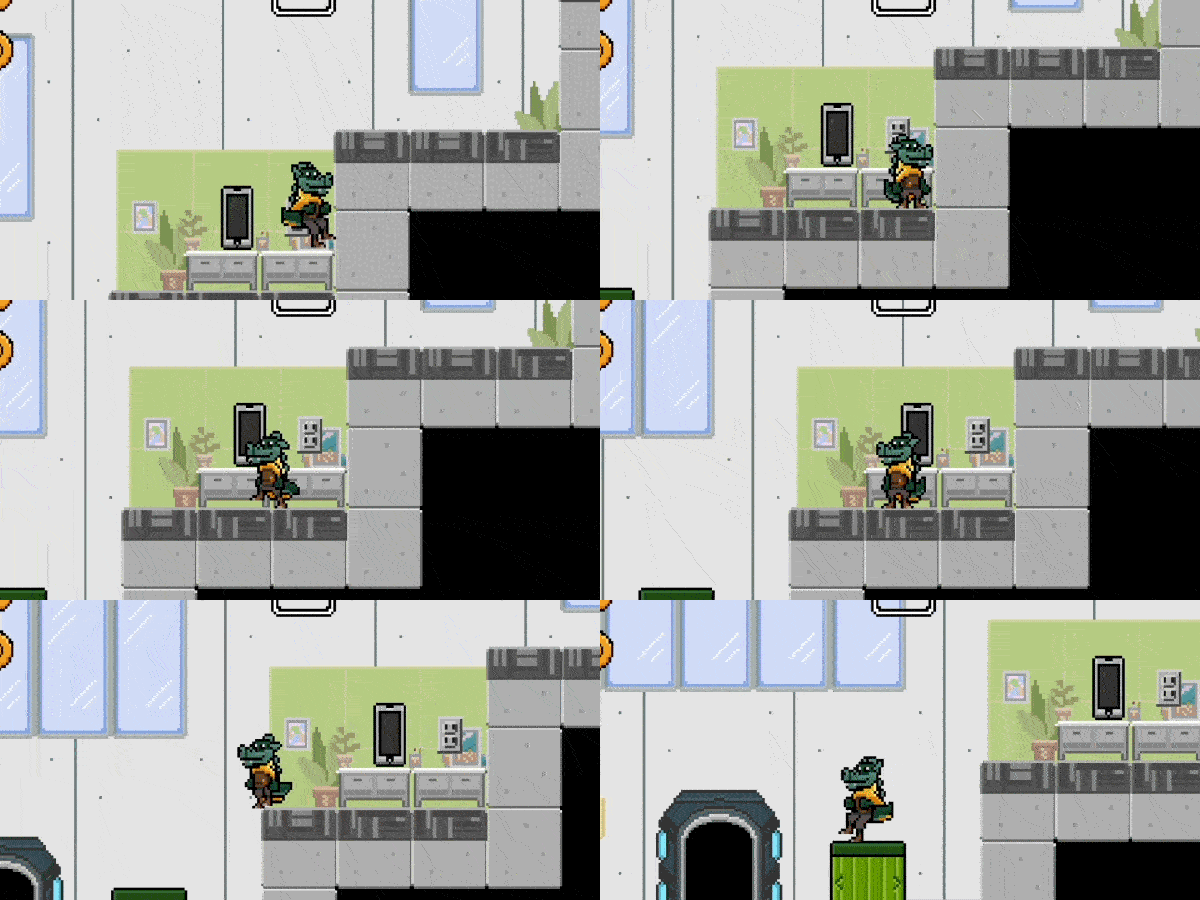
UAB’s crown jewel has been broken into fragments after data was incorrectly stored! Help Blaze collect the pieces and fuse them together. Through multiple levels, players traverse tricky layouts and will unlock new abilities the further they progress.
Data Safe
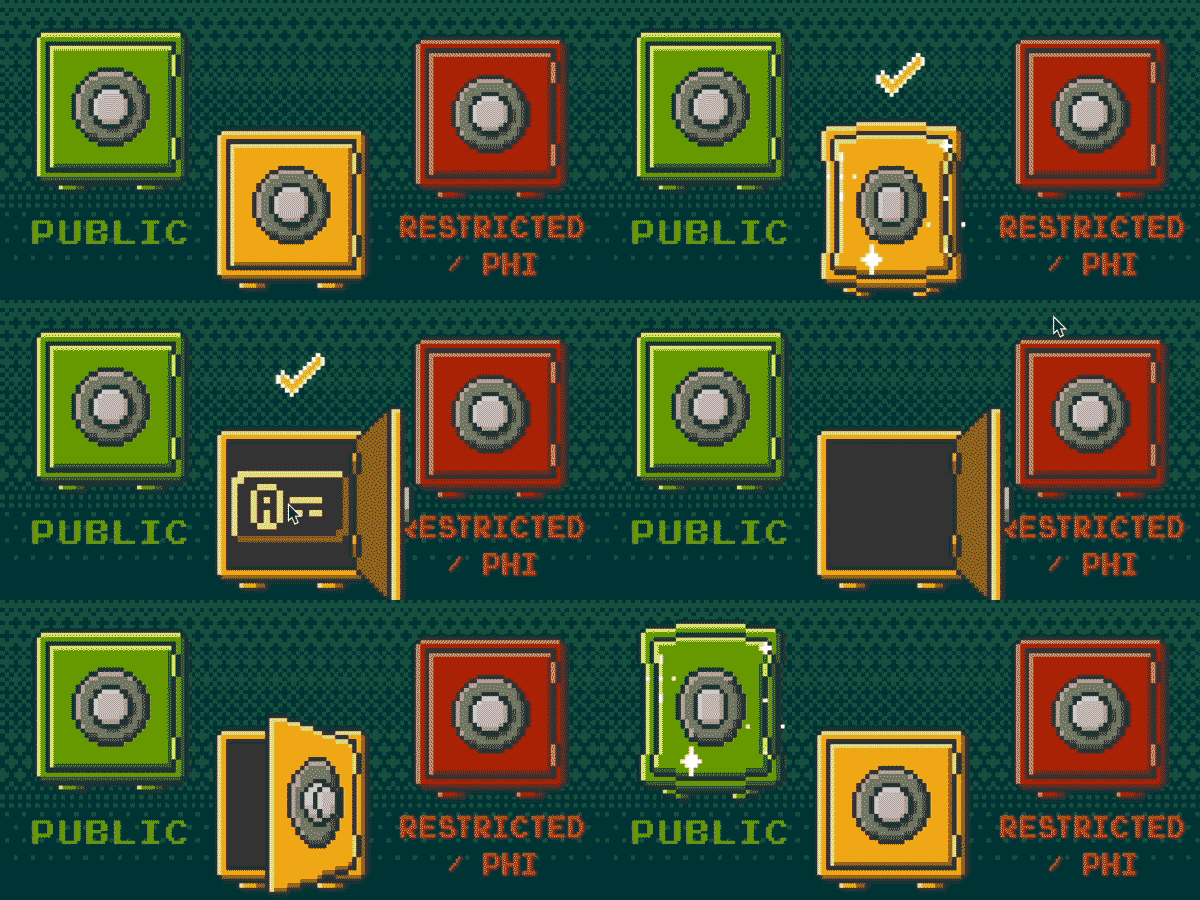
Are you ready to put your data classification skills to the test? Try sorting the different levels to their respected areas. Our computer will generate the data, and it is your job to drag it to the matching safe.

Catch-A-Phish
We’ve got too many phish in the waters, so its time to reel them in. During the period, click on as many phish you can to catch them. While you’re playing, catch up on some interesting phish facts.

Phone Toss
You’ve got mail! Use the green bar at the bottom of the screen to toss your phone and collect incoming messages but be aware of the malicious ones. Blaze is there to help you out in case one or two slips in – just be prepared to answer some question to continue.
Congratulations!
You've completed the process and are ready to proceed. In addition to providing an extra layer of security when you log in, using Duo means you no longer have to change your password annually. For more information regarding 2FA, please visit the link below.
How do you protect yourself from a phish?
Check the sender
Hover the email address of the sender and make sure it matches what you were expecting.
Check the link
Hover any hyperlinks and make sure that it is for a credible site before clicking any links. You can always directly type a known URL into your browser instead of clicking a link.
Report anything suspicious
If anything doesn’t add up, report it with the Report Phishing button in Outlook or forward the email to

Fullscreen not available on IOS
Data Classification
UAB IT worked closely with information security officials from UAB Health System to develop the three level data classification system for all data. This system establishes roles and responsibilities for those individuals and groups who will safeguard and use UAB data. Many of the policies and guidelines established to support this classification system are required by federal law and UAB must remain compliant.
How do you protect yourself from a phish?
Fullscreen not available on IOS
Check the sender
Hover the email address of the sender and make sure it matches what you were expecting.
Check the link
Hover any hyperlinks and make sure that it is for a credible site before clicking any links. You can always directly type a known URL into your browser instead of clicking a link.
Report anything suspicious
If anything doesn’t add up, report it with the Report Phishing button in Outlook or forward the email to