Simple RSS Feed Reader
Simple RSS Feed Reader is a joomla module for displaying multiple rss feeds. It is not installed by default. Submit a request to
RSS URLs for a K2 site (UAB News, Reporter, UAB Magazine)
Use the UAB News feed generator to create an rss url. The list of keywords may contain keywords no longer being used. Check the official tag list for the most up-to-date keyword/tag. Once you create the url, paste it into a browser to ensure it's valid (Some browsers download an xml file when you paste this url in the browser. Use chrome to view the rss feed in the browser).
In some instances, a unit may not yet have stories tagged for a particular source, but as long as the tag exists on the backend of that joomla site, it will display a valid page and the url can can be included in simple rss feed module. This is helpful if you want to go ahead and include all sources with the assumption that content will one day exist and the client will want it pulled into their site. If the tag doesn't exist on the backend of the joomla site and you include that rss url in the simple rss feed module, an error will be displayed when viewing the front-end of the site. This has happened particularly with UAB Magazine feeds as all of the tags from the official tag list do not exist on the backend of the site.
Once you generate the rss link from UAB news, you can just adjust to create the feed for Reporter and UAB Magazine. For example:
- https://www.uab.edu/news/component/k2/itemlist/tag/department%20of%20sociology?format=feed&limitstart=&type=rss
- https://www.uab.edu/reporter/component/k2/itemlist/tag/department%20of%20sociology?format=feed&limitstart=&type=rss
- https://www.uab.edu/uabmagazine/component/k2/itemlist/tag/department%20of%20sociology?format=feed&limitstart=&type=rss
(broken url because tag doesn't exist on backend of the site)
RSS URLs for a Joomla site
To create a feed url for a joomla site, first create a category blog. Add ?format=feed&type=rss to the end of the category blog url to create the feed. For example: https://www.uab.edu/fellowships/about/news?format=feed&type=rss
It's also possible to create a feed without actually creating a category blog menu item. If you need this approach, please submit a custom css request.
Note: Be sure to swap out any dev urls with production urls once the site launches.
What if there is no tag for my client on the official tag list official tag list?
If there is no tag for your client on the official tag list, please submit a request to
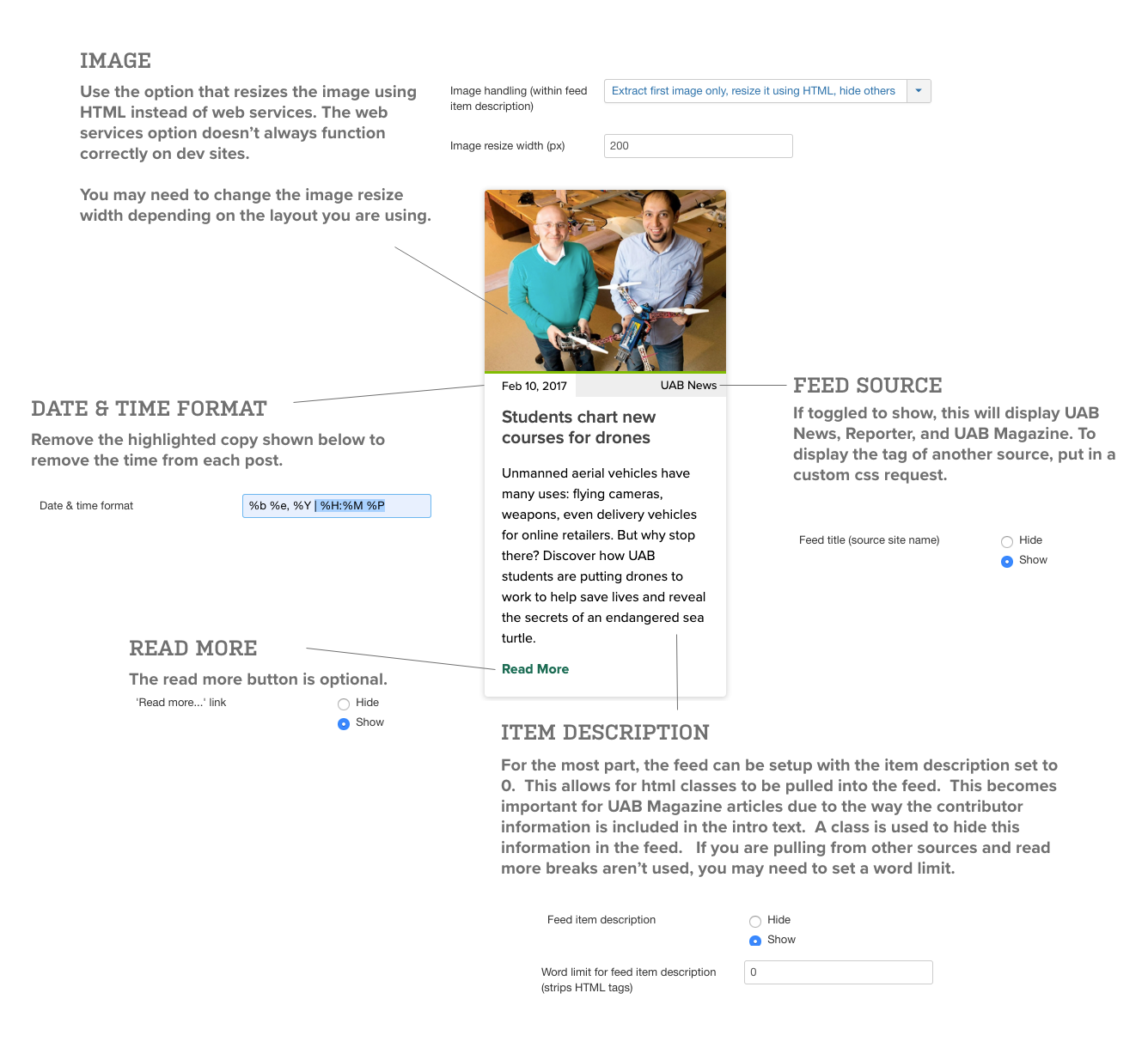
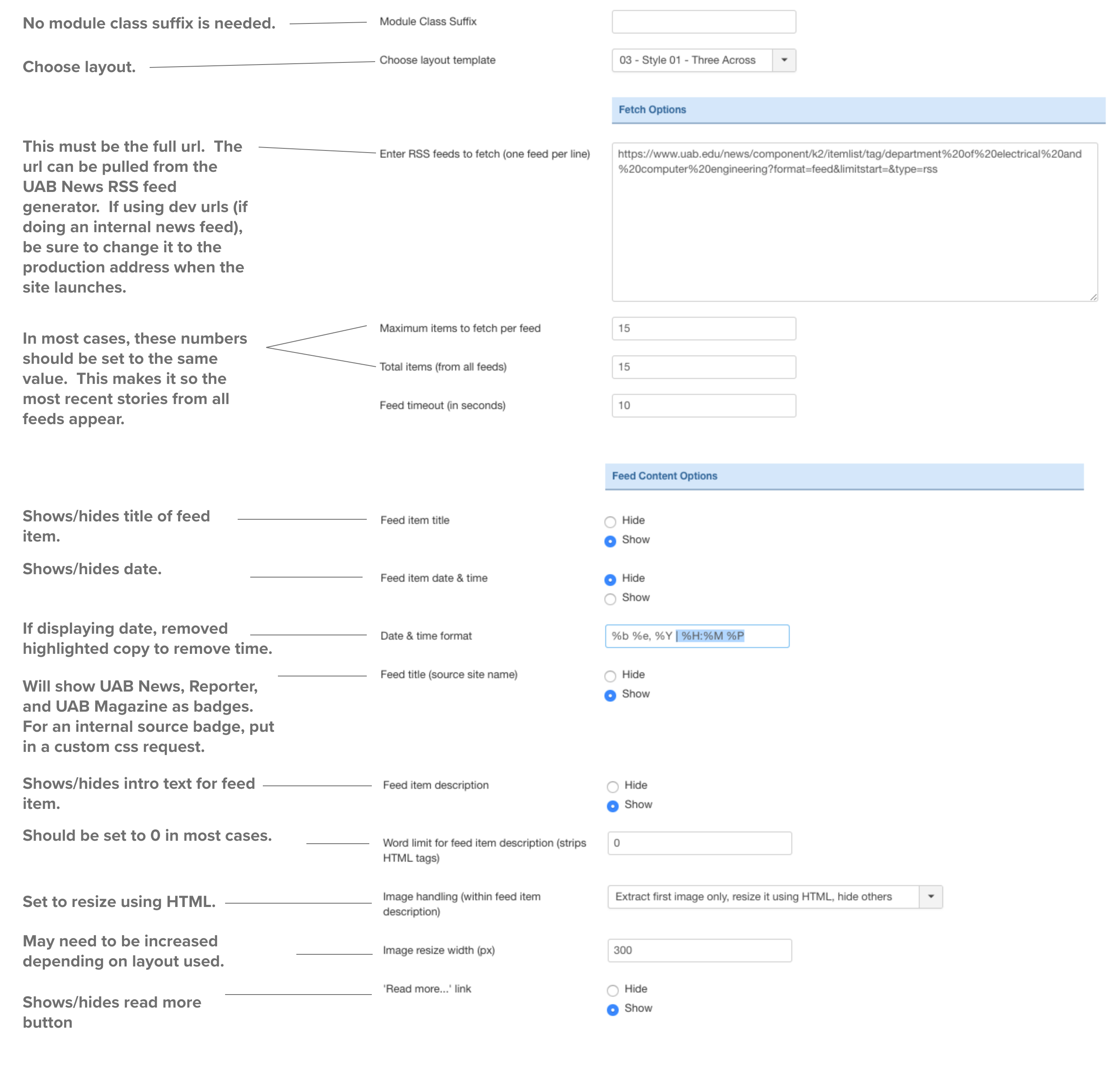
Note: If placing the module on the page via a module position, set Prepare Content to Yes under the Options tab in the module. If placing the module within an article, this step is not required.
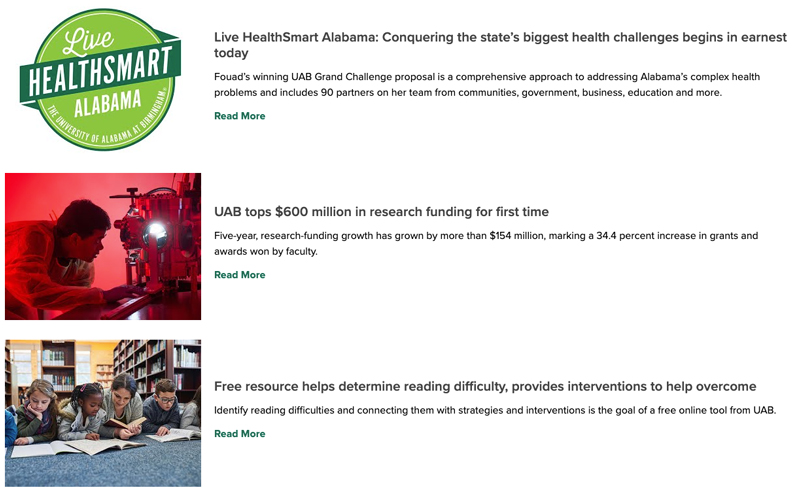
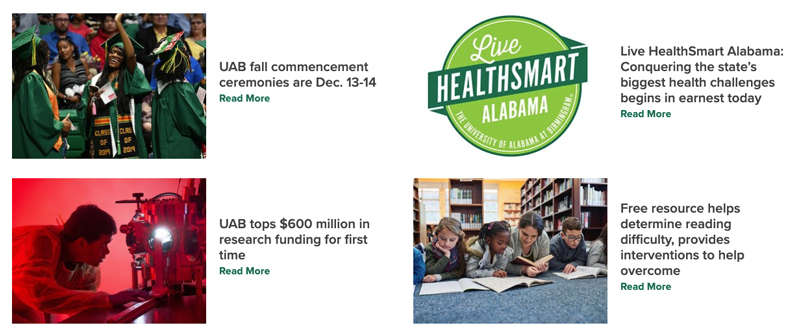
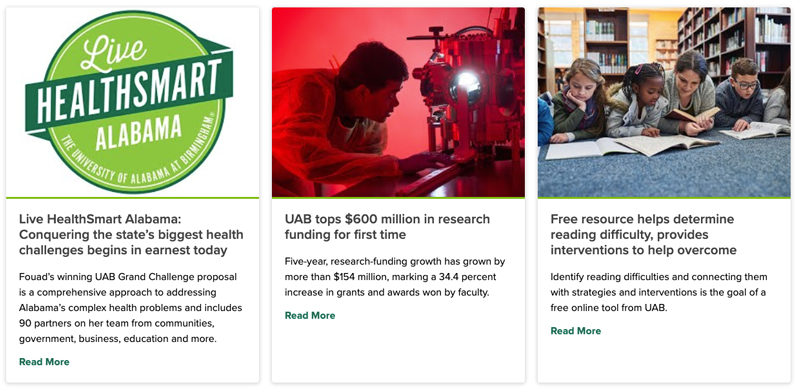
Style 1
Layout options: 1 across, 2 across, 3 across, 4 across, 5 across
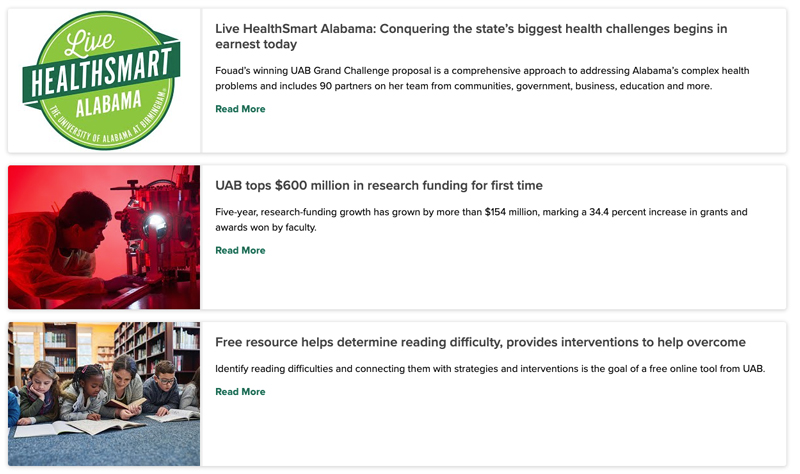
Style 2
Layout options: 1 across
Style 3
Layout options: 1 across, 2 across