- Login to EHSA: https://ehsa.fab.uab.edu/ehsa
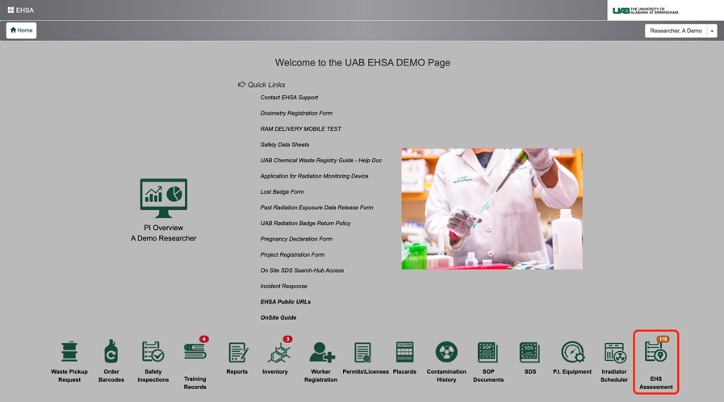
- Click EHS Assessment (bottom right corner) on the EHSA home page.
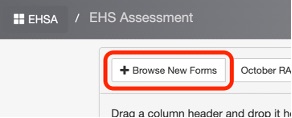
- Click Browse New Forms (top left corner)
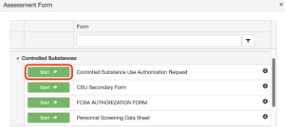
- Click Start next to Controlled Substances Use Authorization Request
- Click on the drop-down menu next to
- Researcher> and select the PI name
- Permit > and select the CSUA Permit to renew.
- Under Amendment Type: click on
Click the green Create Assessment button.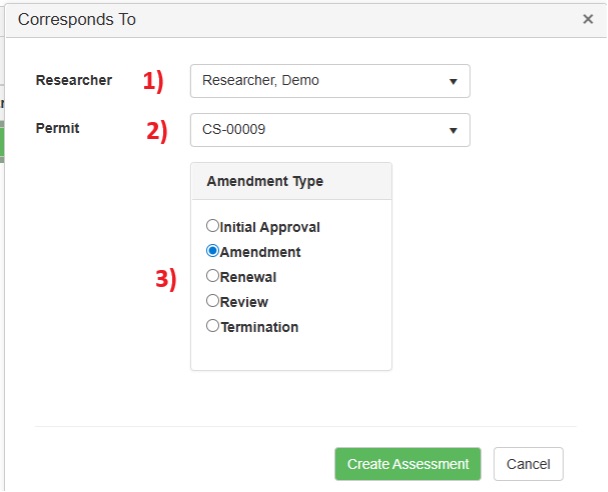
- In the Starting New Assessment window, you will be asked if you would like to copy your previous responses into this assessment.
Click Yes.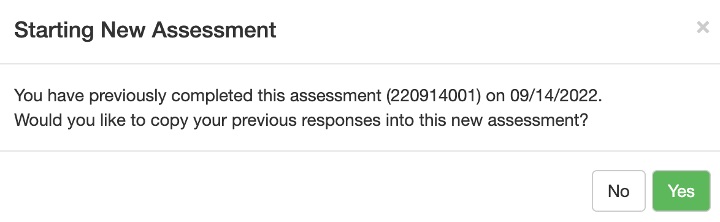
- Under the Assessment Questions tab at the top, please review and update all information under the following tabs:
- Personnel Information
- Protocol Information
- Storage Location
- Click Sign to add your information to the signature line.

- Click Save as Complete to submit the form >
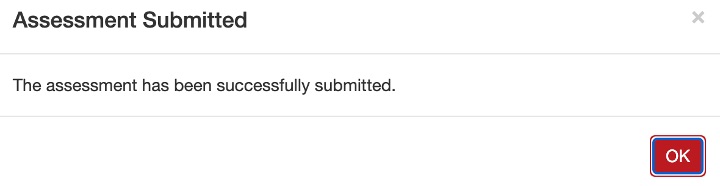
click Yes when asked if you would like to proceed. - Click OK in the resulting notification window.